Here's a scenario that plays out in Adelaide homes and offices regularly: a computer is running slowly, so a technician reinstalls Windows. It's fast for a week. Then it slows down again. The technician reinstalled the symptom's temporary mask — but the actual cause was never found.
This is one of the most common and costly mistakes in IT support. Understanding the difference between a symptom and a root cause is what separates a lasting fix from a temporary one.
What Is a Symptom?
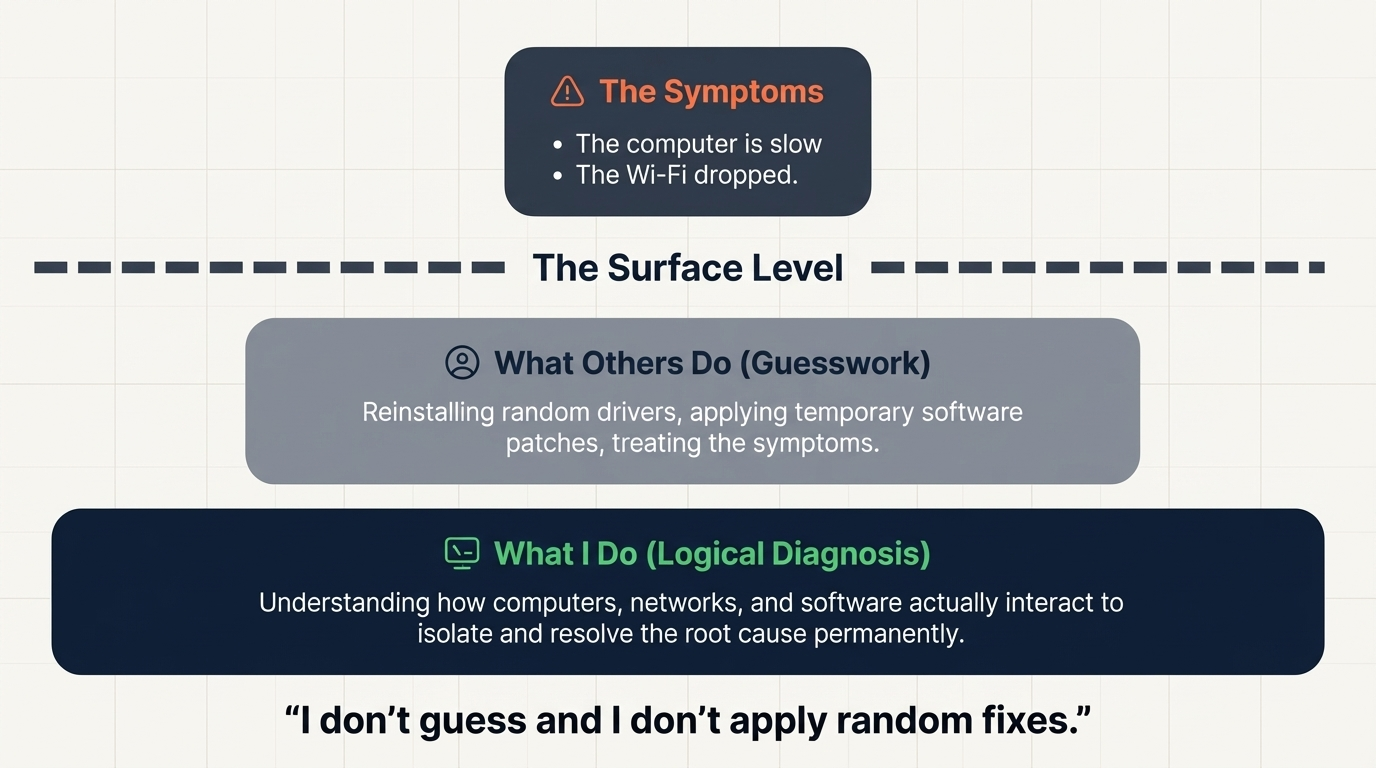
A symptom is what you observe: the computer is slow. The Wi-Fi keeps dropping. The screen flickers. The printer won't connect. These are the visible effects of an underlying problem — and treating only the symptom doesn't fix anything.
What Is a Root Cause?
The root cause is the actual reason the symptom is occurring. For a slow computer, the root cause might be:
- A failing hard drive or SSD that's generating read errors
- Malware running silently in the background
- Excessive startup programs and services
- Insufficient RAM for the workload
- Overheating due to dust buildup or a faulty fan
- A corrupted system file causing repeated background repair processes
For dropping Wi-Fi, the root cause might be:
- An ISP-side connectivity issue
- An overheating or outdated router
- Driver incompatibility with the network adapter
- Radio frequency interference from nearby devices
- A misconfigured DHCP or DNS setting
- A faulty ethernet cable causing intermittent fallback
Why Guessing Doesn't Work
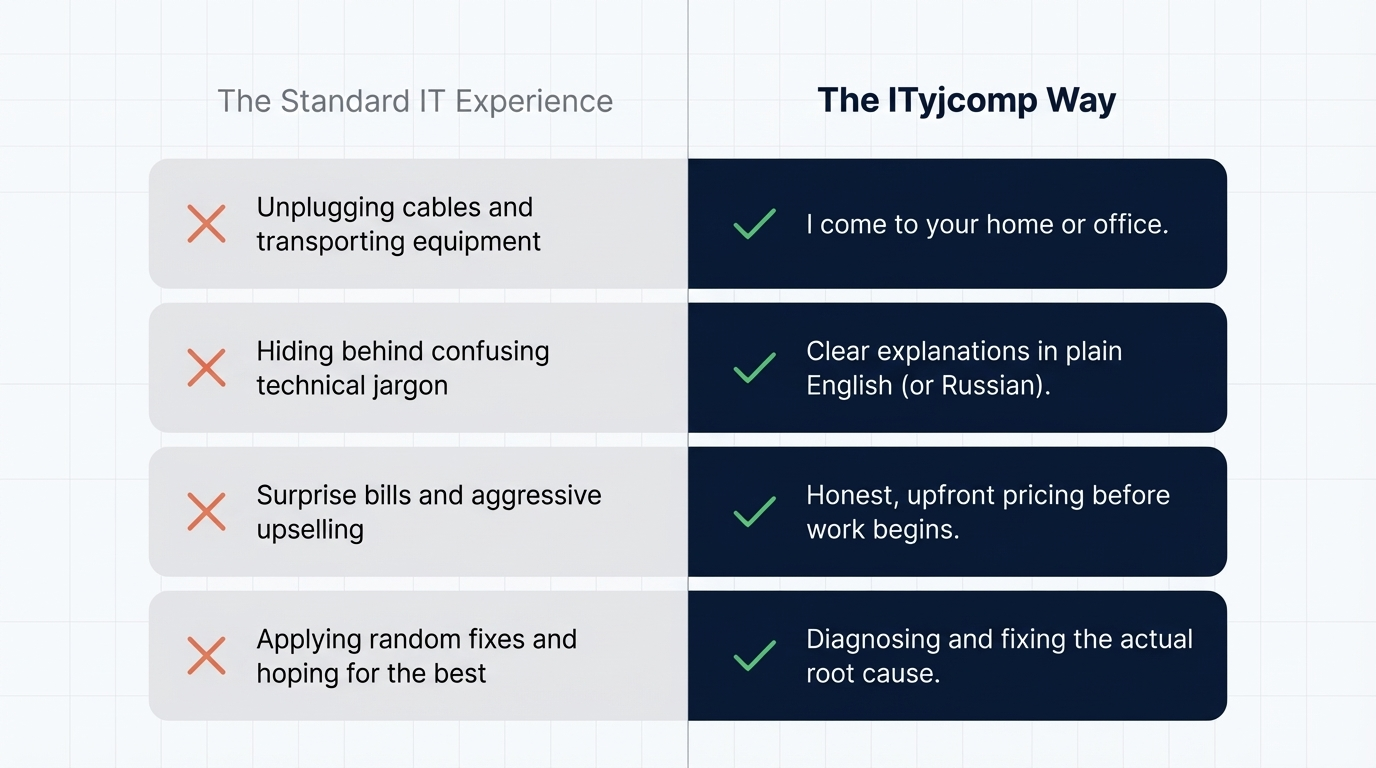
A technician who skips diagnosis and goes straight to a "standard fix" is essentially guessing. Even if they get lucky once, the same problem will likely return — because the actual cause is still present. You'll pay again, and again, without ever getting a permanent resolution.
The ITyjcomp Diagnostic Approach
Before I apply any fix, I run a structured diagnosis. I look at system logs, hardware data, network behaviour, and software configuration. I ask the right questions: when did the problem start? Is it constant or intermittent? What changed recently? Does it happen under specific conditions?
This process takes a bit longer than guessing — but it means the fix I apply actually addresses what's wrong. You don't come back with the same problem next month.
If your computer, network, or software has been "fixed" before and the problem keeps returning, contact ITyjcomp in Adelaide. Let's find the real cause this time.