A year ago, "AI agents" sounded like something from a conference keynote. Today, they're doing real work inside real businesses — booking appointments, processing invoices, drafting client emails, and routing support tickets. The gap between the demo and the day-to-day has collapsed faster than most people expected.
For small and medium businesses in Adelaide, that shift matters. Not because you need to chase every tech trend, but because the businesses that adopt practical automation now are quietly building a competitive advantage. Less manual work, fewer errors, faster response times — without hiring more staff.
What's an AI Agent, Actually?
Forget the sci-fi version. An AI agent is software that can take a goal — "process this enquiry and send a response" — break it into steps, use tools like email or spreadsheets, and complete the task with minimal human input.
The key difference from older automation: AI agents can reason. They handle exceptions. They read unstructured text (like a customer email) and make decisions about what to do next. A traditional workflow says "if X then Y." An AI agent says "here's the situation — what makes sense here?"
What's Changed in 2026
Three things converged to make AI agents practical for small business:
- Models got cheaper. Running an AI model on a task now costs fractions of a cent. A year of automated email processing costs less than a few hours of admin time.
- Tools got easier to connect. Platforms like n8n and Make.com let you wire together Gmail, your CRM, accounting software, and an AI model without writing code.
- Models got smarter. The current generation (Claude 4, GPT-4o, Gemini 2) handles nuanced text, long documents, and multi-step reasoning reliably enough to be trusted in automated workflows.
What AI Agents Are Doing for Businesses Right Now
These aren't hypothetical use cases — they're running in businesses today:
- Customer enquiry triage: AI reads incoming emails, categorises them (pricing, support, complaint, general), drafts a personalised reply, and flags anything that needs human attention.
- Invoice processing: Extract data from PDF invoices, match to purchase orders, flag mismatches, and push approved records to accounting software.
- Follow-up sequences: After a quote goes out, an AI agent monitors for a reply, sends a follow-up at the right time, and alerts your sales team if there's no response after a set period.
- Meeting prep: Before a client call, an AI agent pulls together the last three emails, recent orders, and any open support tickets into a one-page brief.
- Weekly reporting: Pull numbers from your POS, CRM, and accounting tool; generate a summary; send it to the right people every Monday morning.
Where to Start
The mistake most businesses make is trying to automate everything at once. The smarter approach is to find one process that's high volume, follows a recognisable pattern, and has a low cost if something goes wrong.
Good first candidates: email triage, appointment confirmations, order acknowledgements, or weekly internal reports. Pick one. Run it for a month. Learn from it. Then expand.
Where Avtomate Fits In
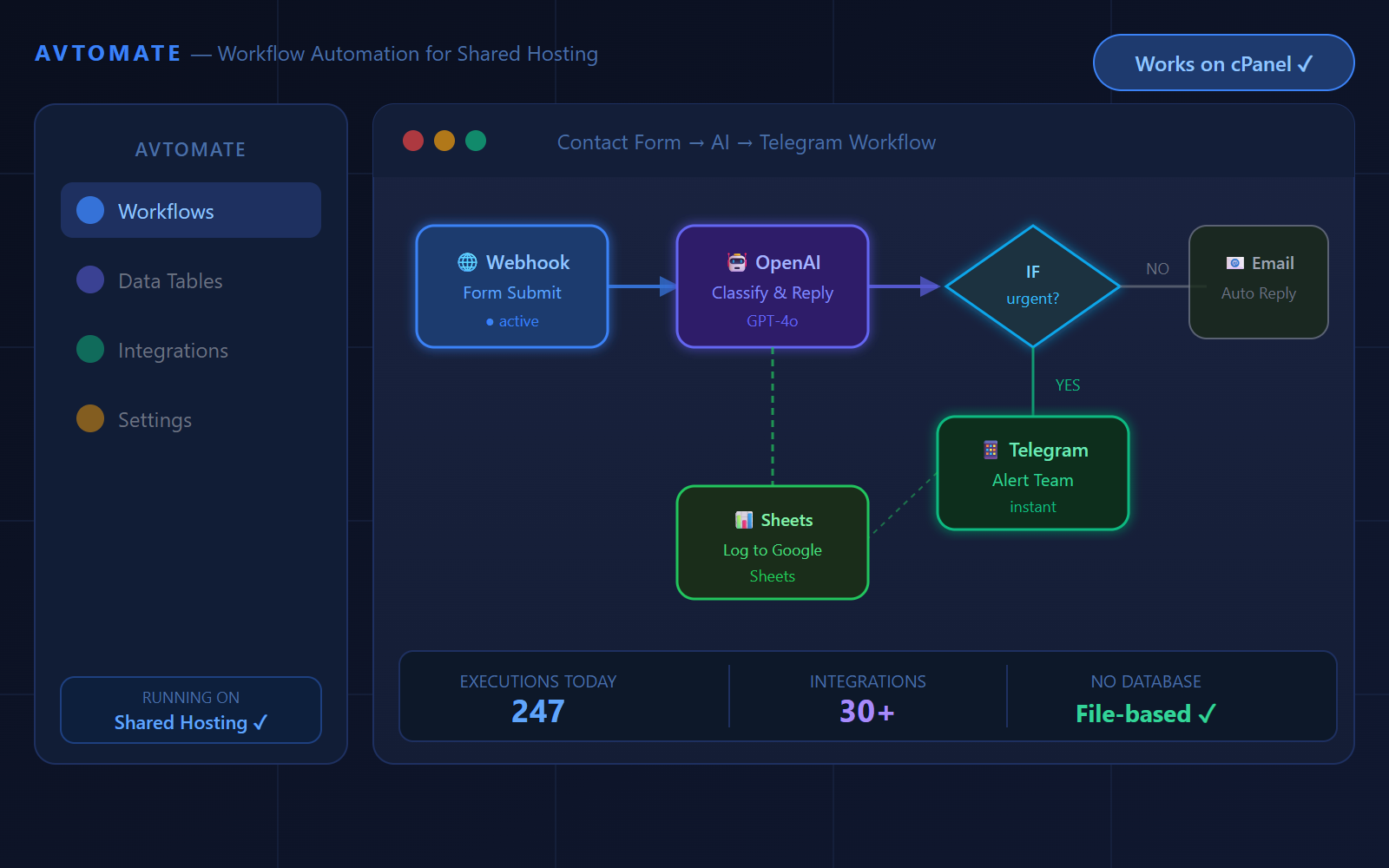
Avtomate is the workflow layer we built at ITyjcomp to make this practical for businesses that don't have a dev team. It handles the connections between your tools, the logic for each step, and the AI calls — so you get a working automation without rebuilding your tech stack or signing up for another SaaS subscription you'll barely use.
If you're curious about what a realistic first automation project looks like for your business, get in touch. We can usually map out a useful starting point in a single conversation.